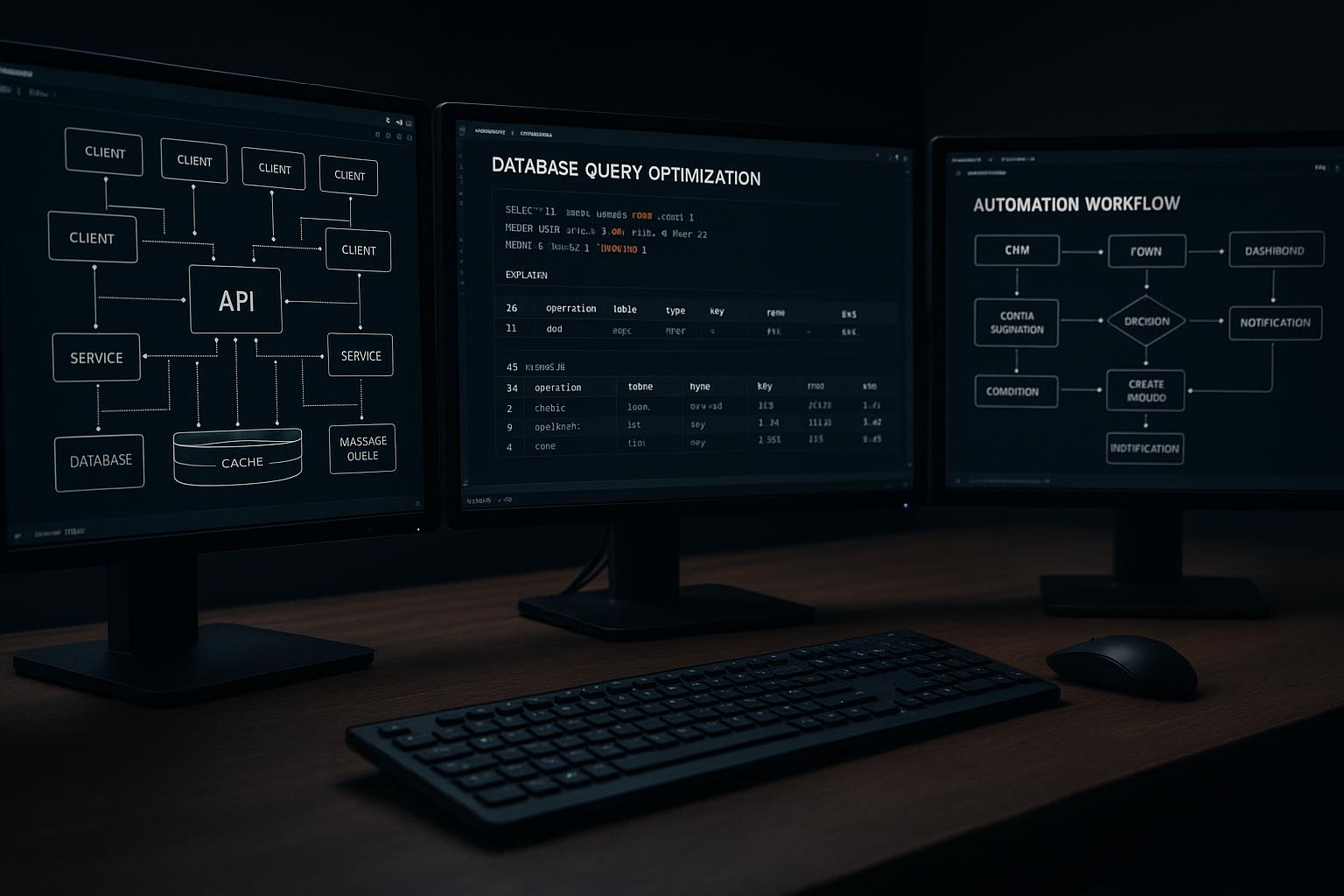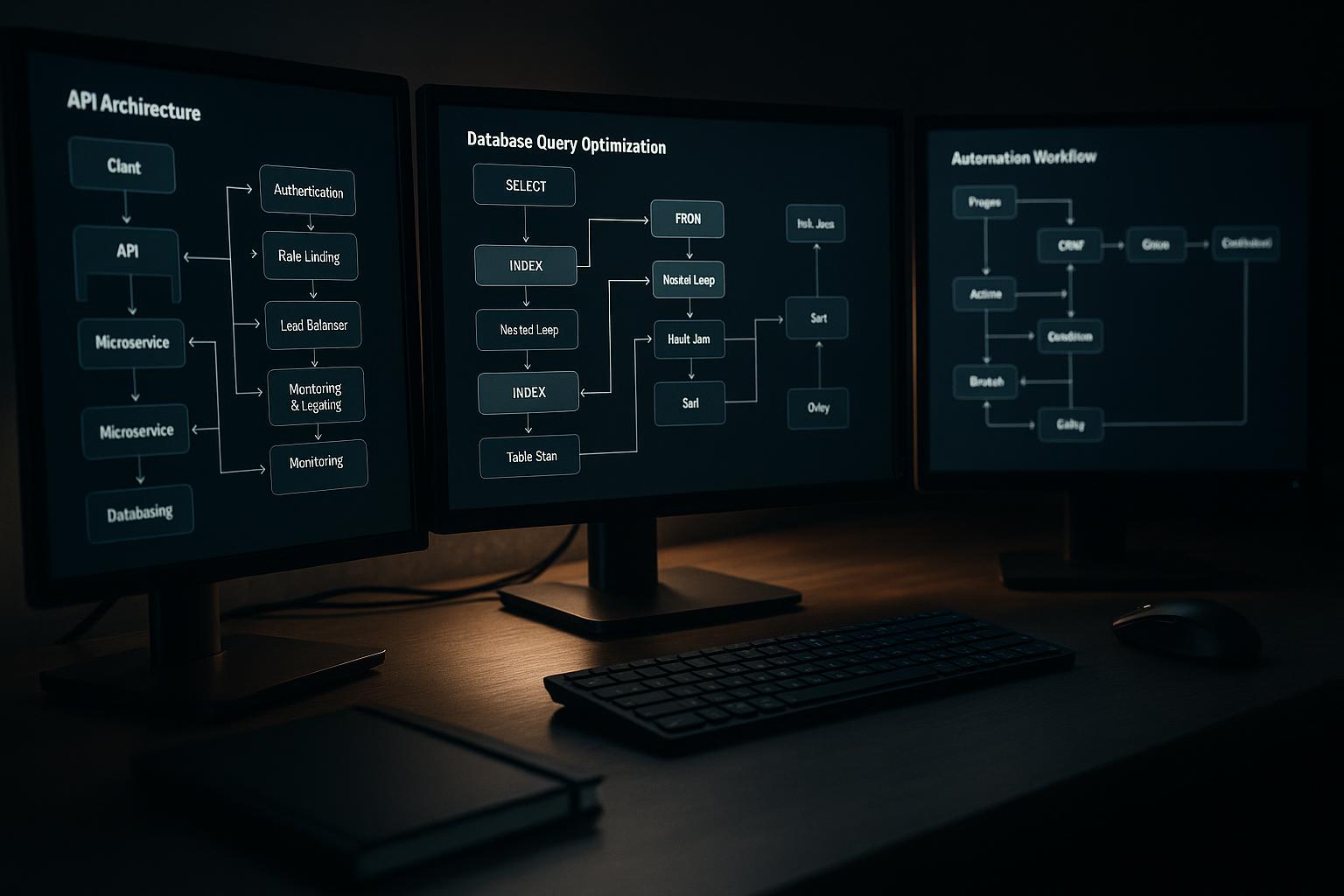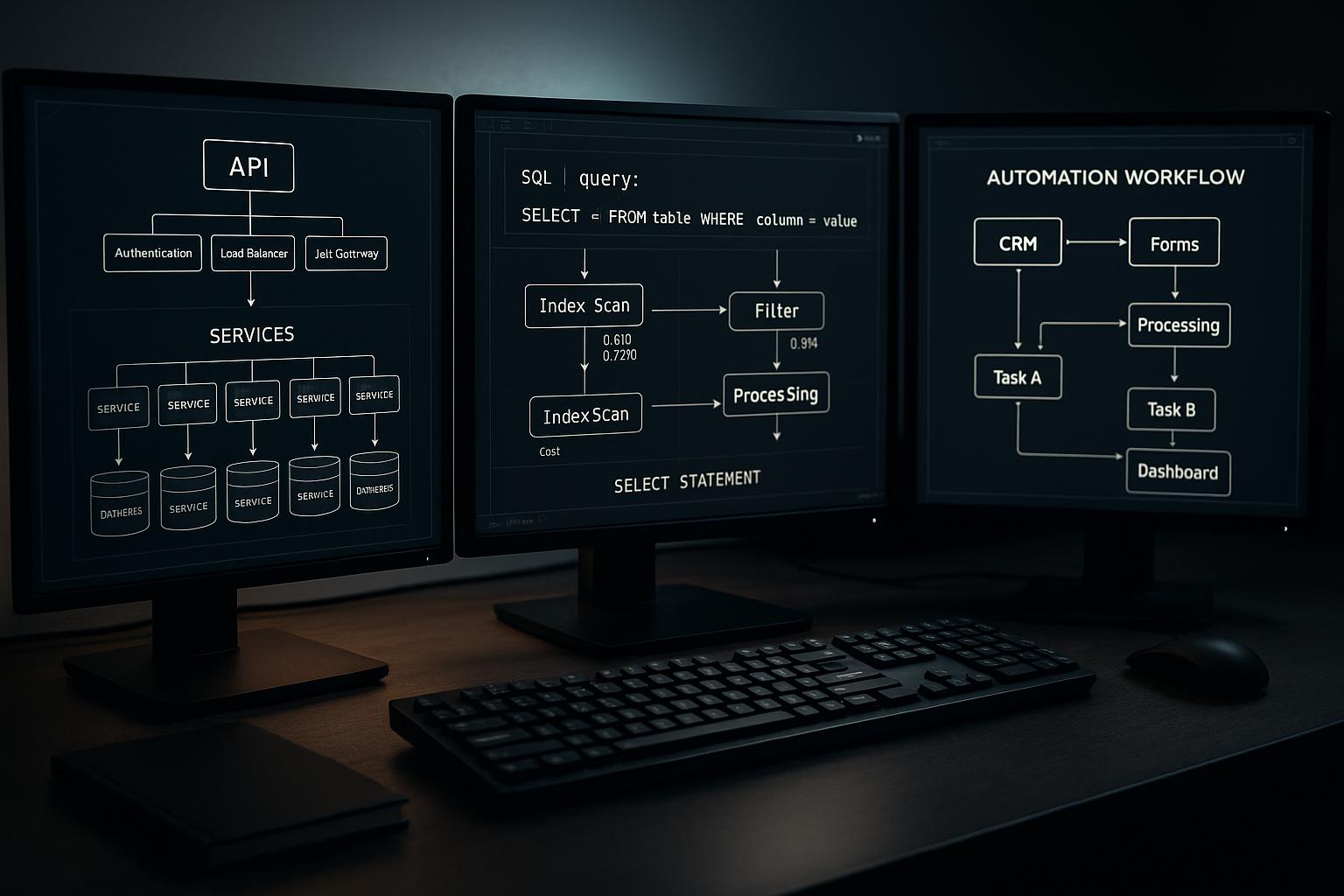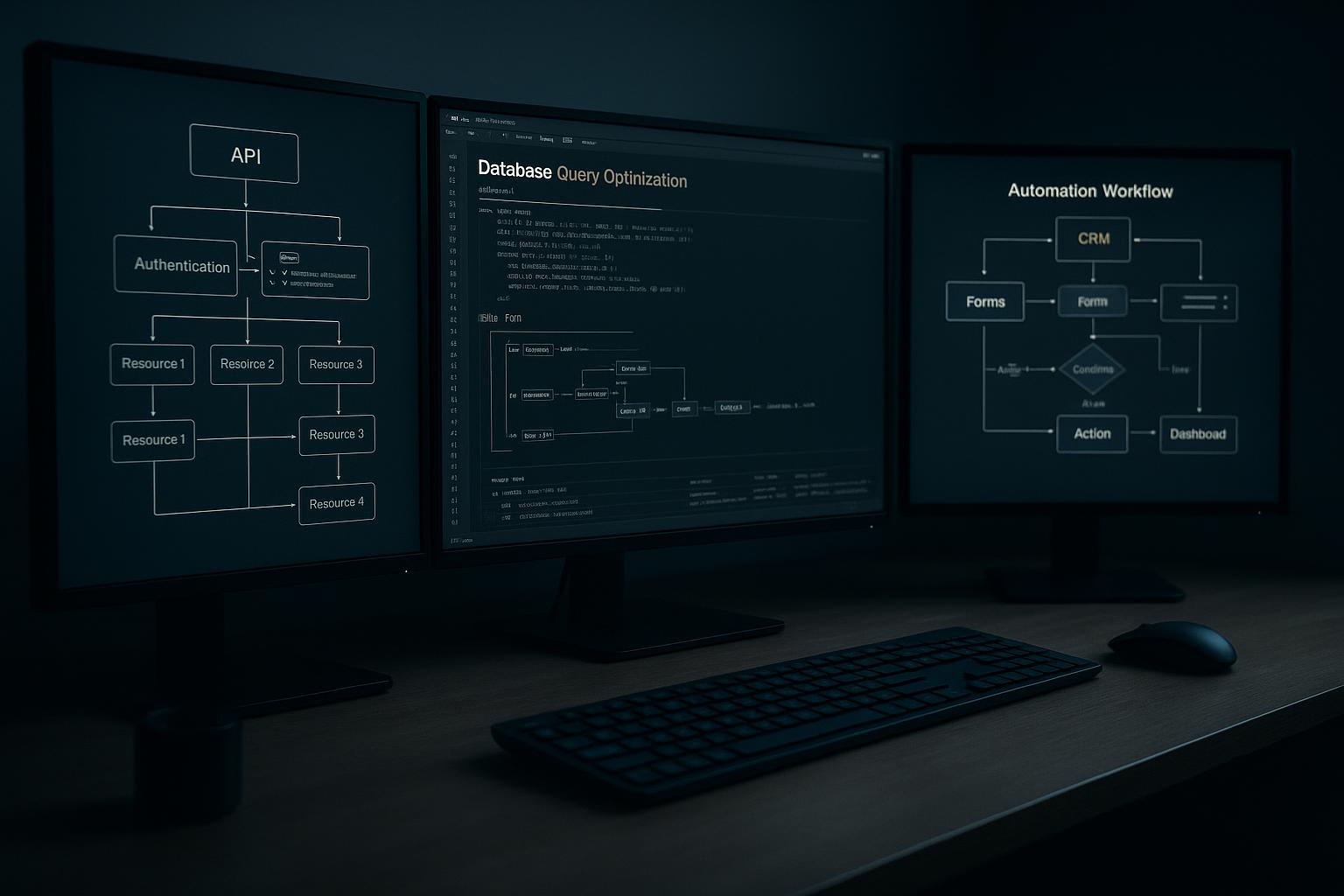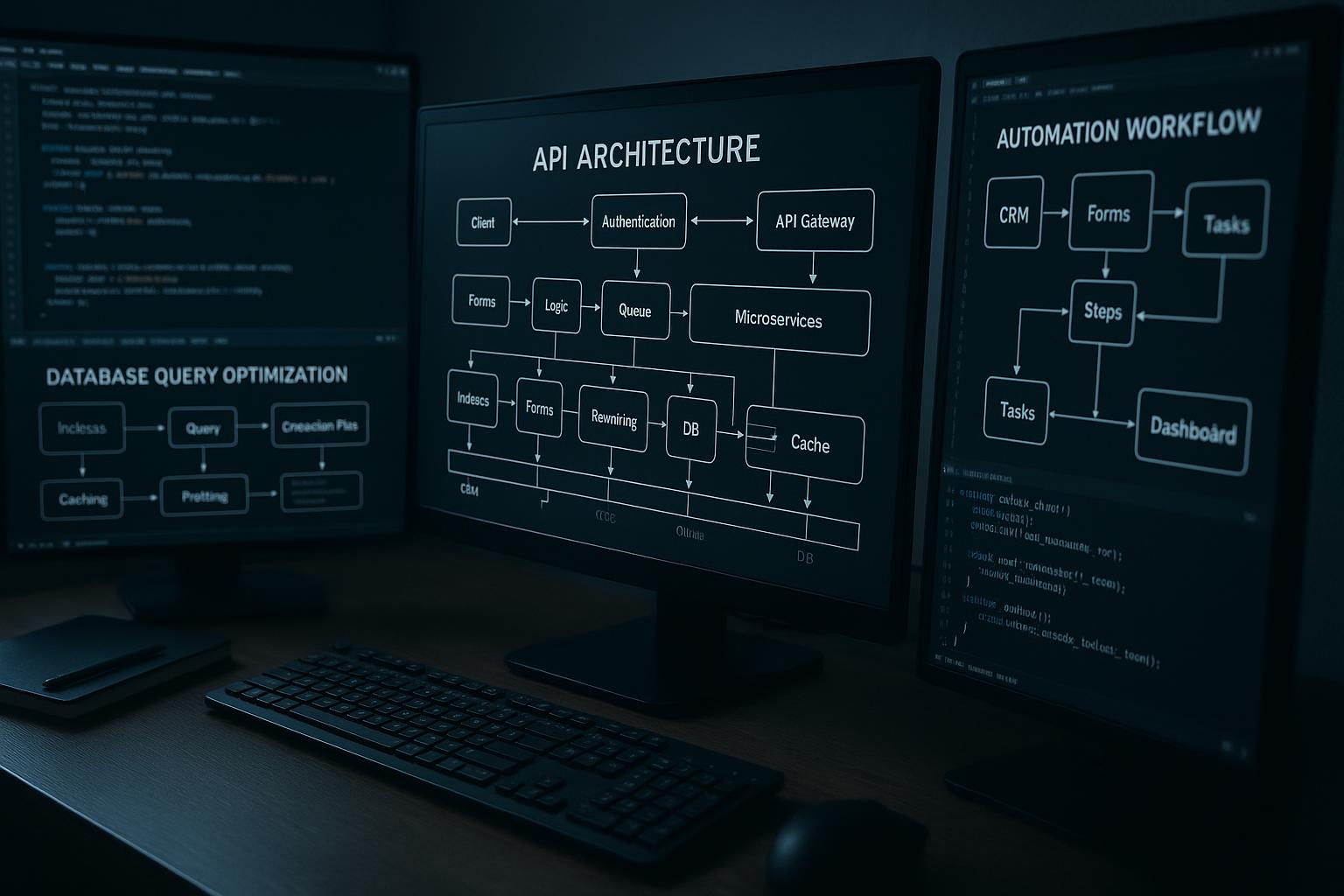


Build custom business software when a core workflow repeatedly depends on rules, exceptions, or data handoffs that packaged tools cannot handle safely and clearly. If the process is standard and your team can work within a product’s permissions, integrations, and data model, buying is usually simpler. Start by tracing one real workflow from trigger to completion, then identify the specific gaps—not just general dissatisfaction—that justify a build.
The deciding question is workflow fit
Build custom business software when an important workflow depends on rules, exceptions, or handoffs that packaged tools cannot handle reliably without awkward workarounds. Buy when the process is common, stable, and adequately supported by an existing product—and when its operating constraints are acceptable.
This is not a choice between “modern” and “outdated.” It is a choice about whether the software fits the work, who will own the system, and whether the long-term cost of adapting the business is lower than the cost of adapting software.
Look for repeated friction, not isolated complaints
A workaround is not automatically evidence that custom software is needed. The stronger signal is recurring friction with a business consequence: staff repeatedly re-enter the same data, approvals stall because the next owner is unclear, or important exceptions are handled in side spreadsheets that no one can reliably reconcile.
Write down the actual workflow. Include its trigger, users, decisions, data, handoffs, exceptions, and final outcome. Then distinguish policy problems from software problems. If people follow different rules because responsibilities are unclear, replacing the tool will not resolve the disagreement.
Know when a package is enough
A packaged product is often the practical choice when the workflow matches its standard capabilities, the vendor’s supported integrations cover your needs, and your team can accept its data model and permissions. It may also be the better choice when the process is still changing or the organization cannot assign someone to own custom software.
Customization can add cost without adding useful control. Avoid building a bespoke system just to copy a standard feature, satisfy a preference that has no operational impact, or replace a product before documenting what it already does. Confirm the limits with a realistic trial or a focused configuration review.
Count the work around the software
Compare the full cost of each path, not just a subscription against a development estimate. Packaged tools may require configuration, add-ons, integration work, data cleanup, and staff processes around their constraints. Custom applications require design, development, testing, deployment, maintenance, and an owner who can make decisions as needs evolve.
Data ownership deserves explicit attention. Ask who can export records, how long data remains available, what happens if a vendor relationship ends, and which system is authoritative for each important field. For a custom application, specify where data is stored, who can access it, how it is backed up, and who handles operational issues.
Define failure behavior before building
A workflow rarely consists only of a successful, straight-through case. Decide what happens when information is incomplete, a user lacks permission, an external service is unavailable, or the same request arrives twice. The system should validate inputs, give users understandable next steps, and preserve enough history to investigate errors.
For integrations, agree on retry behavior and duplicate handling. A retry can help when a temporary failure occurs, but repeating an operation without safeguards may create duplicate records or charges. Set rules for which failures can be retried automatically and which need staff review. These details belong in the requirements, not as emergency decisions after launch.
Stage the decision around real cases
Before approving a build, ask the people who perform and oversee the workflow to walk through representative cases. Include routine work, exceptions, corrections, and handoffs between roles. A narrow first release can address one costly or risky bottleneck while leaving standard tasks in a packaged tool.
Hypothetical example: a distributor may use a standard order system for routine sales but need a small custom approval application for orders that require several distinct checks. The team could first document which rules the order system already supports, then prototype the exception path and verify permissions, audit history, and recovery from interrupted approvals. Measure review time, correction frequency, and unresolved exceptions rather than assuming the custom tool will improve them.
Make ownership part of the approval
A custom application is a continuing business capability, not a one-time delivery. Before development starts, name who approves rule changes, who can access sensitive information, who reviews failures, and who coordinates maintenance. Decide how staff will report problems and how changes will be tested before they affect live work.
The next practical step is a short workflow assessment: document one complete process, gather a few real examples with sensitive details handled appropriately, and list the requirements that current tools cannot meet. Use that evidence to compare configuration, a hybrid approach, and a custom build. If the workflow is still unsettled, clarify it first; if the gaps are stable and material, scope a small, testable application.
A practical build-versus-buy checklist
- Map the workflow from the first trigger to the final handoff, including exceptions and rework.
- Identify which business rules, permissions, and data relationships packaged products cannot represent cleanly.
- Compare the full operating burden: configuration, integrations, user administration, support, and vendor dependence.
- Name an owner for the data, application decisions, and ongoing maintenance before development begins.
- Test the proposed approach against real, varied cases, including failures and unusual requests.
- Set a review point to reassess whether the solution still fits as the workflow changes.
Questions about this approach
Does every inefficient workflow need custom software?
Not necessarily. First check whether configuration, an existing integration, or a small process change can address the gap. Custom development is easier to justify when an important rule or exception remains unsupported and workarounds create repeatable operational risk.
Can we keep our current software and build only part of the solution?
A hybrid approach can work well: keep standard functions in a packaged product and build only the missing workflow or connection. Define which system owns each record and how data moves between them so the custom component does not create a second, conflicting source of truth.
What should we settle before commissioning a custom application?
Specify a business owner, technical maintenance responsibility, access rules, backup and recovery expectations, and a way to review errors and requested changes. Also document how your team can retrieve its data if the system or vendor arrangement changes.
For help applying this approach, explore our custom programming services.
Discuss your project with Full Blown Studio
Tell us what needs to work better and what you have tried. Discuss your project, email bob@fullblown.com, or call (661) 429-0940.