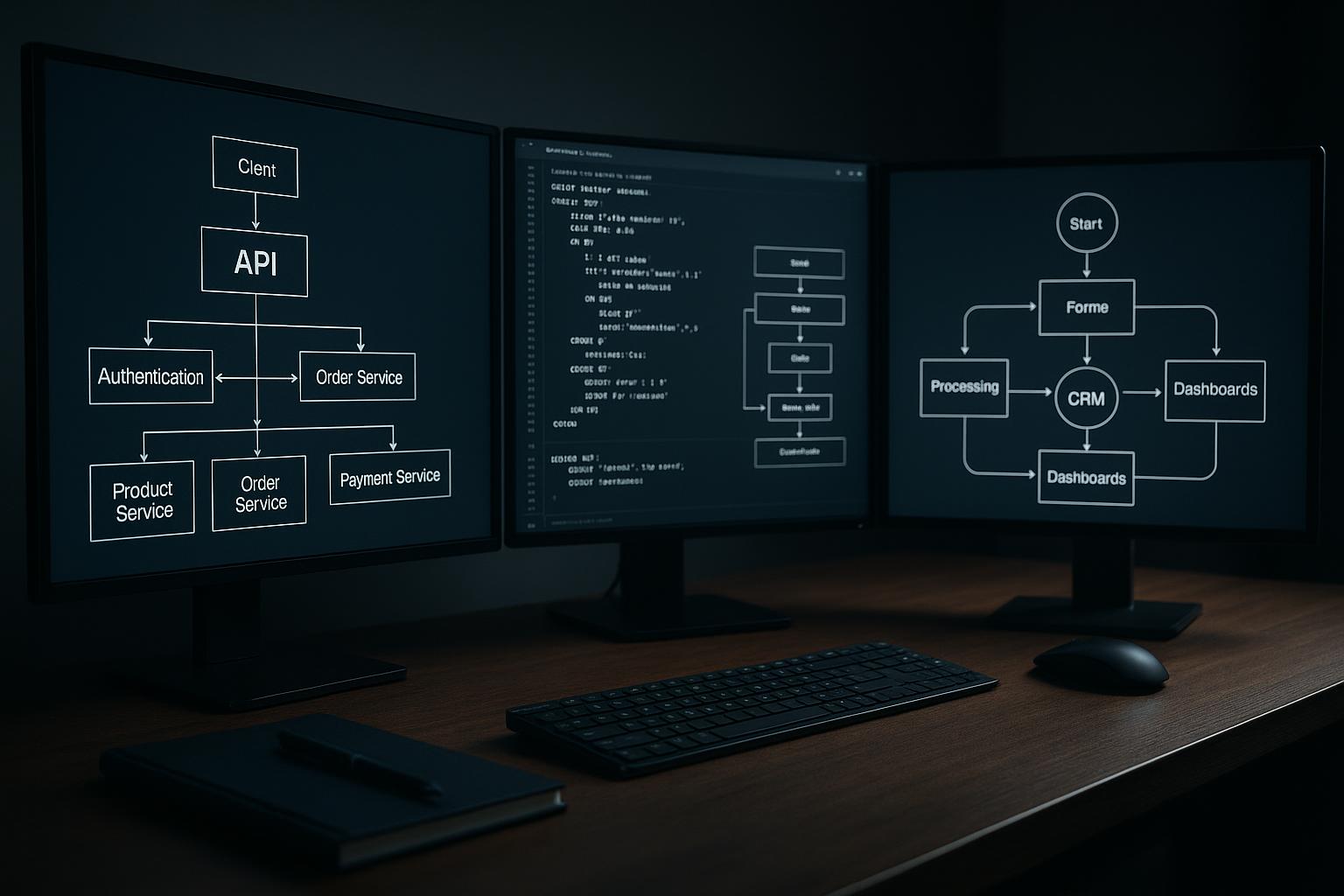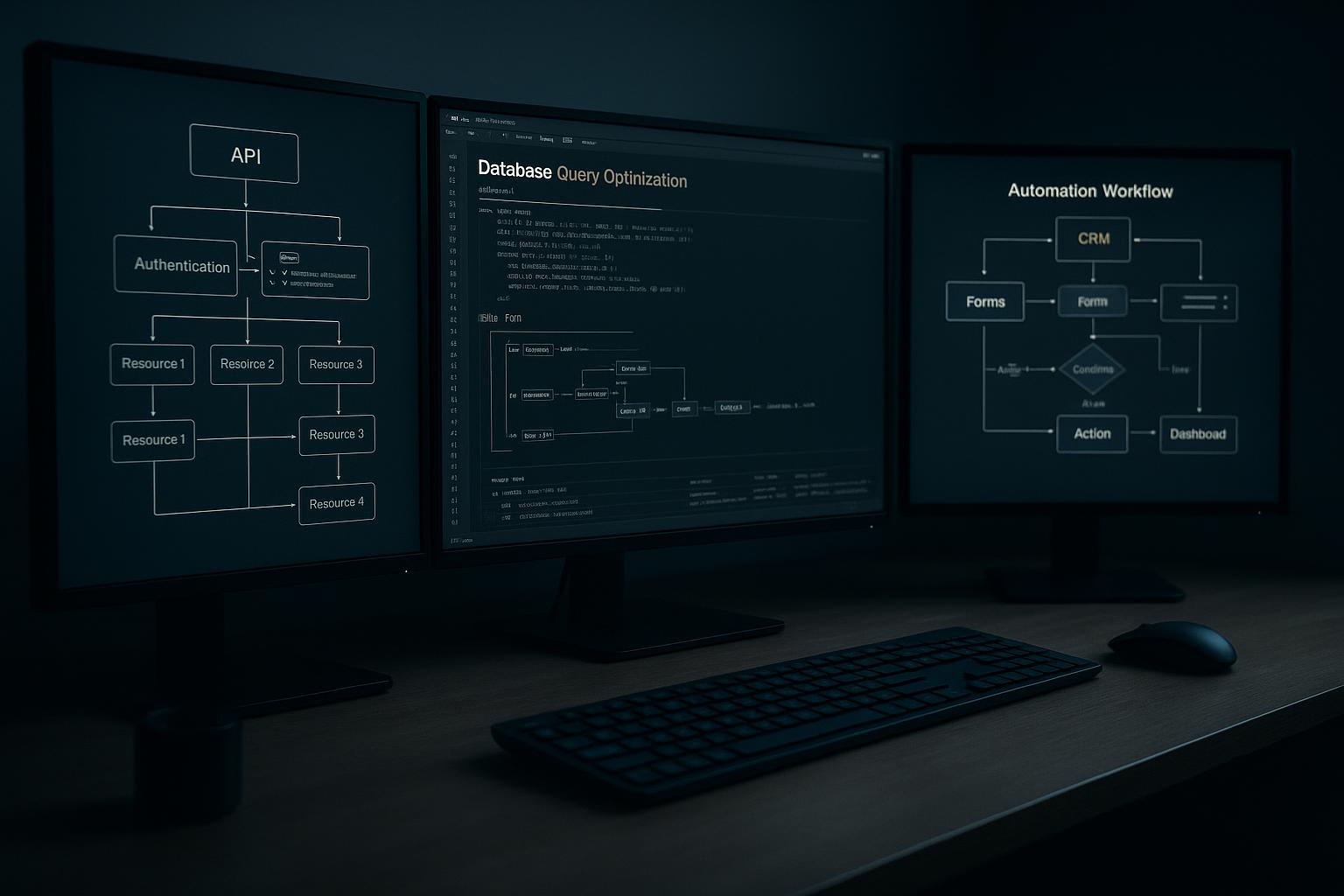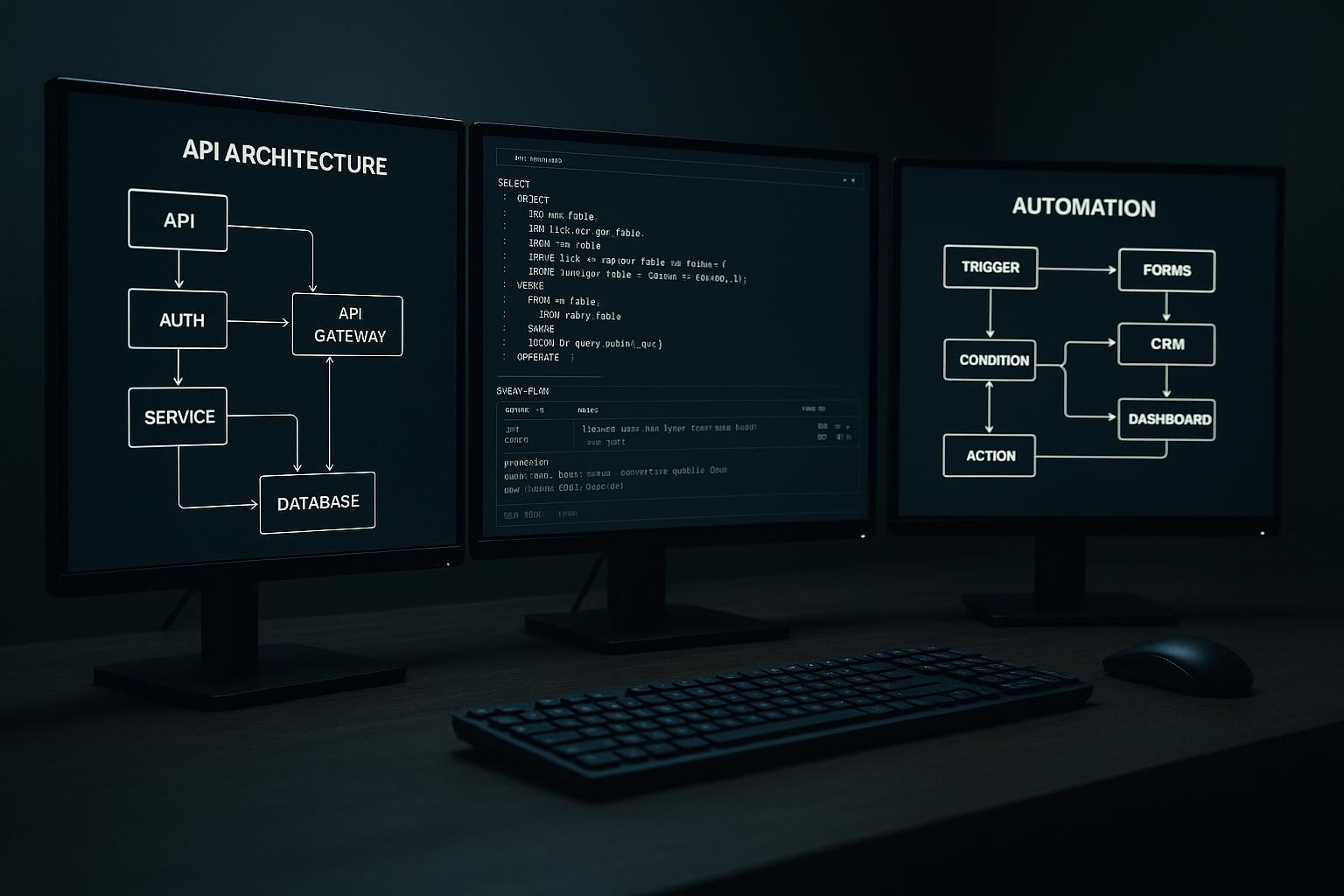


Prevent lost website inquiries by designing the connection so every submission is either confirmed in the CRM or visible for recovery. Define what counts as success, how retries avoid duplicates, and who handles rejected or delayed records. A form that displays a thank-you message before the CRM confirms receipt can still leave staff unaware of a missing lead.
Treat delivery as a reliability problem, not a form feature
A website-to-CRM lead integration should make each submitted inquiry either visible in the CRM or clearly recoverable by staff. The key is not simply whether a form can send data. It is whether the business can detect and resolve the cases where transmission, validation, or CRM processing fails.
Start by tracing one real user journey: a visitor submits an inquiry, the website validates it, the integration sends it, the CRM accepts or rejects it, and a staff member takes ownership. If any step has no recorded status or recovery path, a lead can disappear without anyone knowing.
Find the failure points that actually lose inquiries
Common trouble spots include a timeout between the website and CRM, expired credentials, a required CRM field the form does not collect, and a schema change that makes a previously valid request fail. A success message shown immediately after the browser submits is not proof that the CRM created a record.
Also examine partial failures. The CRM may create the lead but fail to return a confirmation, leaving the website unsure whether to retry. Without a safe duplicate strategy, retrying could create a second record; not retrying could leave the inquiry unrecorded. Monitor outcomes such as accepted, rejected, and awaiting retry rather than treating every request alike.
Set field ownership and matching rules first
Decide which system owns each piece of information. The website may capture the initial message and consent, while the CRM owns assignment and sales status. If later updates can travel back to the website or another system, document which value wins when both sides change.
Define what makes an inquiry a duplicate. Email alone may not be sufficient: a returning customer can submit a new request, while one person can use different addresses. A submission identifier generated for each form attempt helps identify retries of that same event. Keep it distinct from a person or account identifier, which represents a continuing record.
Make retries safe and failures visible
A retry is another attempt to deliver a request after a temporary problem. Use bounded retries with increasing pauses rather than sending requests continuously. For safe recovery, send a stable event identifier and have the receiving process recognize when that event has already been applied, if the CRM integration supports that pattern.
Separate temporary errors, such as timeouts, from permanent ones, such as invalid field values. Temporary errors may be retried; permanent errors need correction or staff review. Store enough operational detail to investigate—time, event identifier, outcome, and a safe reference to the submission—without exposing sensitive inquiry contents in routine logs.
Give failures an owner. A useful alert says what failed, when, and where staff can review or resend it. Decide who checks alerts, how quickly the business needs to respond, and what to do if the CRM is down for an extended period.
Test the path from submission to staff action
Test more than the happy path. Submit a complete inquiry, omit a required value, force a CRM rejection, simulate an unavailable endpoint, and repeat the same event. Confirm the website gives an honest response, the CRM does not receive unintended duplicates, and staff can find a failed item and recover it.
Hypothetical example: A service company receives requests while its CRM is briefly unavailable. The website records a pending delivery and shows the visitor that the inquiry was received by the site, not that a CRM record is confirmed. After the connection returns, the integration retries the same event identifier. The team verifies CRM creation and reviews anything still pending.
Track operational evidence: submissions received, accepted, rejected, pending, and recovered; time from submission to CRM availability; and duplicate records discovered. These measures reveal reliability issues without assuming that every inquiry should produce a sale.
Keep the integration proportionate to the risk
A direct connection may be enough when the form is low-volume, the CRM responds reliably, and staff can notice and resolve occasional failures. A queue or durable pending-record store is more appropriate when inquiries are time-sensitive, delivery interruptions are plausible, or the website must remain available while the CRM is offline. These add operational complexity, so someone must monitor and maintain them.
A practical next step is to map the current submission path and collect a small sample of failure states from the systems involved. Then agree on field ownership, duplicate handling, recovery responsibilities, and what visitors should be told. Custom API integration work is useful when the existing connection cannot meet those requirements; elaborate infrastructure is unnecessary if a simpler, observable path already does.
Before connecting your website to a CRM
- Name one system as the owner of each lead field, such as email, phone, source, and assigned staff member.
- Write down what should happen when the CRM is unavailable, rejects a record, or receives a duplicate.
- Choose a stable identifier for matching submissions, and define when two inquiries should remain separate.
- Test valid, incomplete, duplicate, and deliberately rejected submissions in a safe environment.
- Confirm who receives failure alerts and how staff can find and safely resend a missed inquiry.
Questions about this approach
Does every website-to-CRM integration need a message queue?
Not necessarily. If the CRM accepts the request and the integration records the result reliably, immediate delivery can be sufficient. If brief outages or timeouts could cause missed inquiries, a durable pending record or queue can preserve the event for controlled retry. Choose based on the cost of missed delivery and the team’s ability to monitor the added mechanism.
What should visitors see if the CRM is unavailable?
Do not rely on a thank-you page alone. It confirms that the website received a browser submission, but not necessarily that the CRM created a record. Show wording that reflects the actual state, and provide a separate follow-up path if the website cannot safely retain or forward the inquiry.
How can staff tell whether the integration is working?
Review delivery outcomes, pending and rejected items, duplicate records, and the time it takes to recover failed submissions. Also confirm that alerts reach a named owner and that a test failure can be investigated from the available logs without exposing unnecessary personal data.
For help applying this approach, explore our API integration and custom programming services.
Discuss your project with Full Blown Studio
Tell us what needs to work better and what you have tried. Discuss your project, email bob@fullblown.com, or call (661) 429-0940.