

When relevant visitors read a service page but do not inquire, inspect the match between visitor intent, the offer, the evidence provided, and the complete inquiry path before redesigning it. The absence of submissions is a symptom, not a diagnosis. Check where visitors came from, what they can understand about the service, whether they have enough information to trust the next step, and whether the form actually works. Then choose the smallest change that addresses the observed friction and verify it with consistent measures.
Start with the visitor’s intent
If relevant visitors read a service page but do not inquire, first check whether the page answers the question that brought them there. A low inquiry count alone does not show that the design is failing: visitors may be researching, comparing options, or looking for a different service than the page offers.
Trace a few real paths into the page. Search wording, links from other pages, campaign messages, and referral context can all set expectations. If a visitor expects custom application development but lands on copy about general website design, a polished page may still feel irrelevant. Align the page’s opening, examples, and call to action with the promise of the source.
Make the offer understandable
A service page should let a prospective buyer quickly identify what is provided, who it is for, and what happens next. Vague language such as “digital solutions” leaves the visitor to infer whether the business handles a specific need, such as integrating an existing database with a customer portal.
Explain scope in ordinary terms, then add technical detail where it helps buyers judge fit. For custom work, that may include the types of systems involved, how discovery or planning works, and what information is needed to assess a request. Avoid implying that every project follows the same process if scope varies.
Check whether the page earns confidence
A visitor considering a complex or consequential service needs more than a list of capabilities. Explain relevant constraints, dependencies, and decisions: which systems need access, who owns the data, what must be confirmed before work begins, or how a proposed change will fit existing operations.
Use truthful evidence that helps the buyer assess the work, such as a clear process explanation or a specific description of technical responsibilities. Do not use unsupported performance claims or generic testimonials as substitutes for information. If examples are hypothetical, label them clearly.
Inspect the inquiry path, not just the button
A prominent contact button does not guarantee an easy inquiry. Follow the complete route: where the button goes, whether the form asks for information the team actually needs, what happens when a required field is missed, and whether the visitor receives a clear confirmation after submission.
Test on a phone as well as a desktop. Look for fields that are hard to tap, unclear error messages, unexpected sign-in requirements, or a form that loses entered details after a validation error. Ask whether each field is necessary at this stage; a long intake form can make a promising prospect do too much before a conversation.
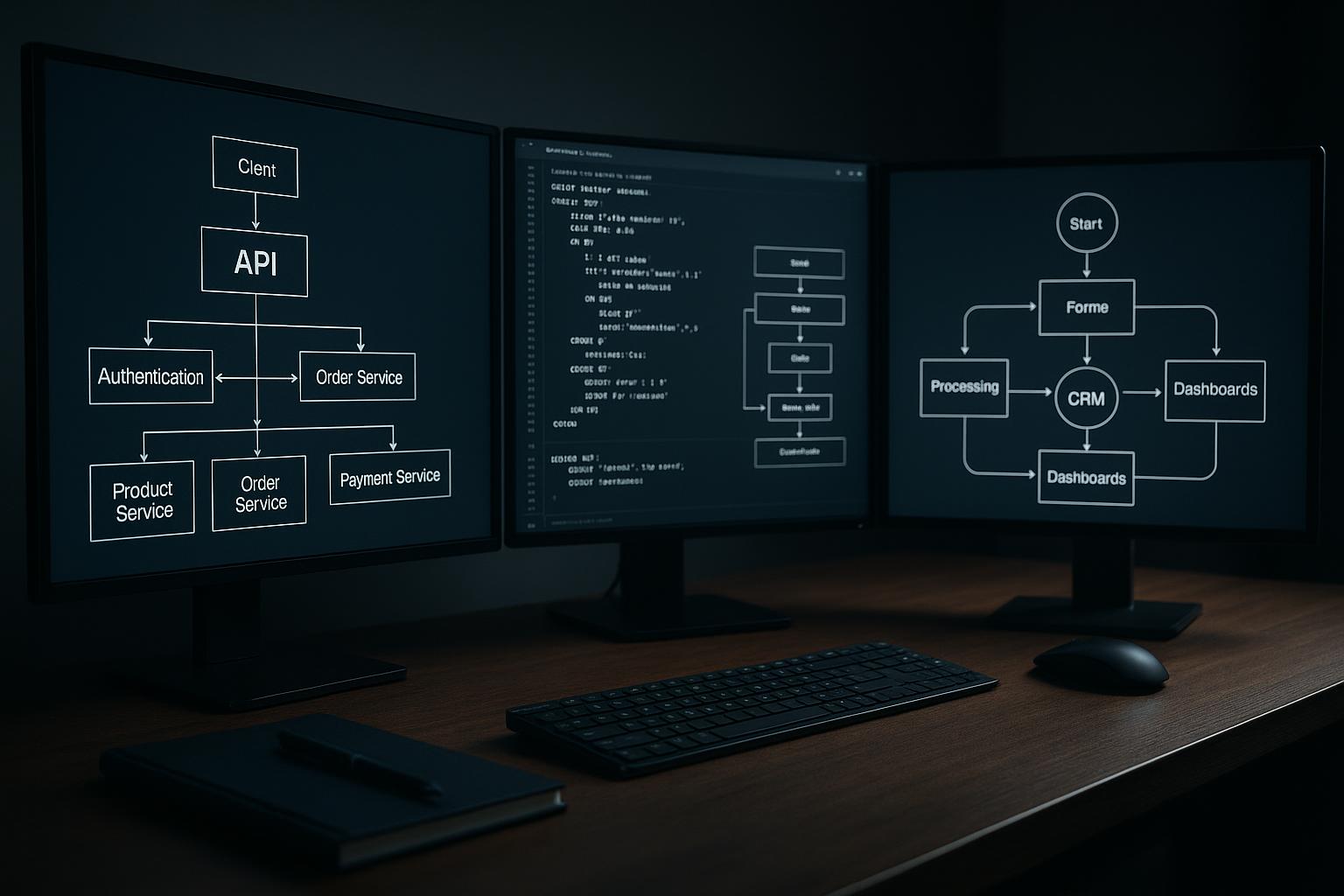
Verify that submissions reach the intended owner and that the team can tell a real request from a test. If the form connects to a CRM or another system, test failure behavior too: the visitor should not be left guessing if a downstream service is unavailable.
Use measurements to locate the friction
Separate page visits from meaningful steps. Depending on the setup, useful events may include a click to contact, a form start, a validation error, a successful submission, and a qualified inquiry. Define these events consistently so a technical failure is not mistaken for a lack of interest.
Interpret the pattern before changing the page. Many contact clicks but few completed forms suggest a different problem from low engagement with the offer. A high submission count with poor-fit requests may indicate that the service description or qualification prompts need clarification. Keep privacy and data-retention practices in mind when deciding what to collect.
A practical recommendation is to change one meaningful issue at a time and review the same measures afterward. Do not treat small fluctuations as proof; consider traffic source, seasonality, and whether enough comparable visits exist to make the pattern useful.
Choose the smallest useful correction
Not every quiet page needs a redesign. If the offer is sound but the form has a broken confirmation, fix and test the form. If the page attracts visitors with mismatched expectations, revise the message or the link that sends them there. If buyers cannot understand the scope or assess risk, add the missing explanation before changing visual styling.
A broader design or engineering change makes sense when the problem crosses page structure, content, accessibility, or system behavior. A team should agree on the intended visitor, the action to observe, who owns the inquiry after submission, and how to verify that the repaired path works. This keeps the next step tied to a diagnosable problem rather than a vague request for “more conversions.”
A practical service-page review
- Confirm the page matches the wording, audience, and intent of the traffic source.
- Check that the service, scope, and intended customer are clear near the top of the page.
- Test every inquiry path on mobile and desktop, including validation and confirmation.
- Review whether proof and process details address the risks buyers actually need to assess.
- Compare page visits with inquiry starts, successful submissions, and qualified inquiries.
- Ask a person unfamiliar with the business to explain the offer and next step after a short review.
Questions about this approach
Does a short time on the page mean the content is failing?
Not by itself. A short visit can mean the page did not match expectations, but it can also reflect a quick answer, a return visit, or measurement limitations. Compare traffic source, engagement with the page, contact actions, and successful inquiries before deciding what it means.
How much information should an inquiry form request?
Keep fields that help route or assess a request, and remove those that are not needed before an initial conversation. If qualification matters, explain why sensitive or detailed information is requested and consider collecting it later through an appropriate process.
Can staff feedback replace analytics?
Ask a few people who are not familiar with the business to review the page and describe the service, intended customer, and next step. Their confusion can reveal unclear wording or missing context, but pair this feedback with actual form tests and traffic data.
For help applying this approach, explore our custom web design services.
Discuss your project with Full Blown Studio
Tell us what needs to work better and what you have tried. Discuss your project, email bob@fullblown.com, or call (661) 429-0940.